LiteBlue USPS Open Season
LiteBlue USPS Open Season is the annual enrollment period when USPS employees can review, update, or change their benefits for the upcoming year.
This is the most important time for employees to manage health insurance, dental and vision plans, Flexible Spending Accounts (FSA), and other benefit options.
What is LiteBlue USPS Open Season?
LiteBlue Open Season is a limited-time window during which USPS employees can:
- Enroll in new benefit plans
- Change existing health insurance
- Update dental and vision coverage
- Adjust Flexible Spending Accounts (FSA)
- Review and manage benefit elections
All approved changes take effect on January 1 of the next year.
When is LiteBlue Open Season?
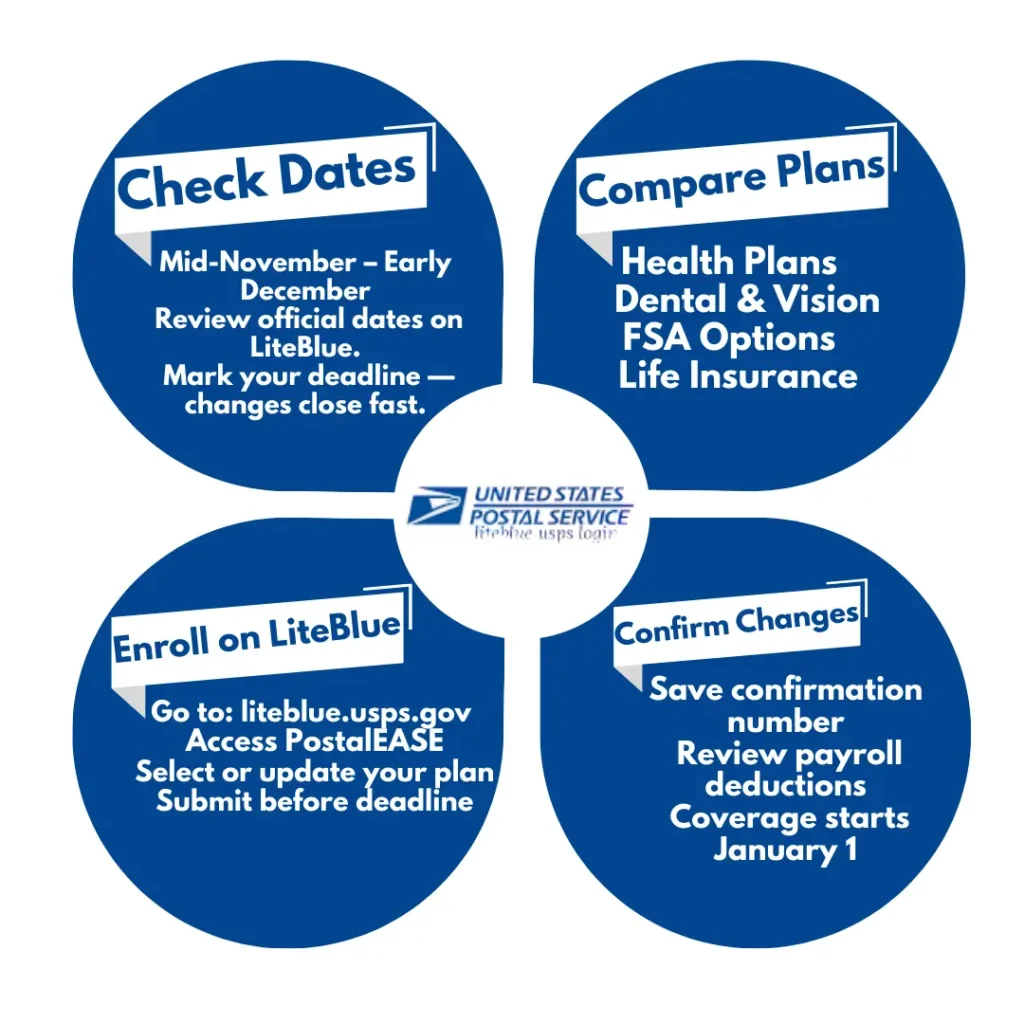
Open Season usually follows a fixed schedule:
- Starts: Second Monday of November
- Ends: Second Monday of December
- Duration: Around 4 weeks
Recent Dates:
- 2025 Open Season: Nov 10 – Dec 8, 2025
- Some extensions allowed until Dec 13, 2025
Expected 2026 Open Season:
- Estimated: Mid-November to early December 2026
- (Around Nov 9 – Dec 7, 2026)
Always check LiteBlue for official announcements.
Why Open Season is Important
Open Season is the only time (without a life event) when you can update your benefits.
If you miss it:
- You must keep your current plan for the whole year
- No changes allowed unless a Qualifying Life Event (QLE) occurs
Benefits of Open Season:
- Better financial planning
- Updated health coverage
- Cost savings with FSA
- Family protection
Who is Eligible?
Open Season applies to:
- Active career USPS employees
- Eligible part-time employees
- Dependents under employee coverage
Retirees follow separate enrollment systems.
Benefits You Can Change During Open Season
1. Health Insurance (FEHB / PSHB)
- Enroll or change plans
- Update coverage level (Self / Family)
- Compare plans like Blue Cross Blue Shield, GEHA
2. Dental & Vision (FEDVIP)
- Enroll or switch providers
- Improve coverage for family
3. Flexible Spending Accounts (FSA)
- Health Care FSA
- Dependent Care FSA
- Save taxes with pre-tax contributions
4. Life Insurance (FEGLI)
- Review or update coverage options
5. Retirement Planning (TSP)
- Review contributions (optional updates)
How to Enroll in LiteBlue Open Season
Method 1: Online via LiteBlue
- Visit LiteBlue portal
- Login using Employee ID (EIN)
- Enter SSP password
- Complete MFA verification
- Open PostalEASE → Open Season
- Compare plans
- Submit your selections
Method 2: By Phone
- Call: 1-877-477-3273
- Follow automated instructions
What Happens If You Do Nothing?
If you don’t make changes:
- Your current benefits continue
- But costs, coverage, or providers may change
Always review plans even if you don’t switch.
Changes Outside Open Season (QLE)
You can only update benefits outside Open Season if you have a:
- Marriage or divorce
- Birth or adoption
- Loss of coverage
- Death of dependent
Otherwise, you must wait for next Open Season.
Important Tips for Open Season
- Review your current benefits first
- Compare all available plans
- Use USPS tools and guides
- Make decisions before deadline
- Save confirmation number
Common Mistakes to Avoid
- Waiting until last day
- Not comparing plans
- Forgetting to save confirmation
- Ignoring cost changes
Final Thoughts
LiteBlue USPS Open Season is a crucial opportunity for employees to update their benefits, improve financial planning, and ensure proper coverage for themselves and their families.
Since changes are limited to this period, it is important to review all options carefully and make informed decisions before the deadline.